
Connection options
Open the app and choose from the available connections for your current needs.

The right version for your computer or phone. Check device requirements before installing and renewal terms before subscribing.
Downloads and subscriptions open the official QuickQ website.
Handle email on your computer, then pick up messages on your phone. Find the right official version for each device first.

Choose a connection on your device before opening a video. Playback depends on your network and the service you use.
Get the appTake a moment to check your network and connection before gaming or joining voice chat. Latency varies by network.

Before opening a resource library, handling orders or joining a meeting, check the service’s regional access requirements.
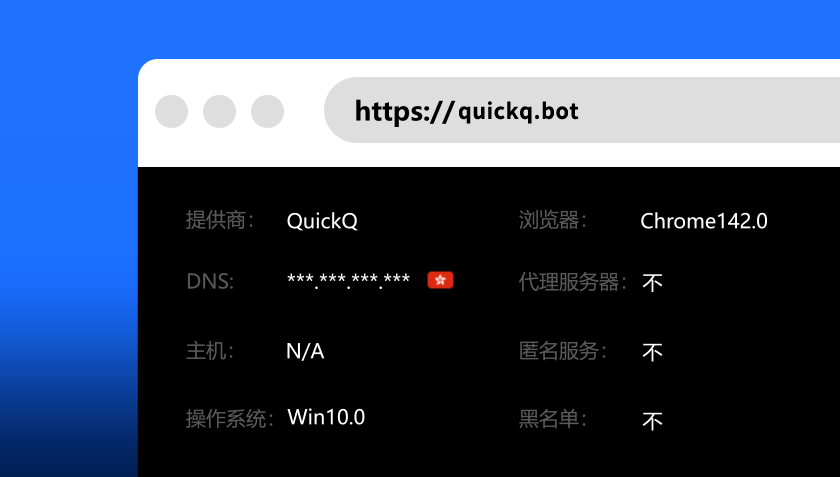
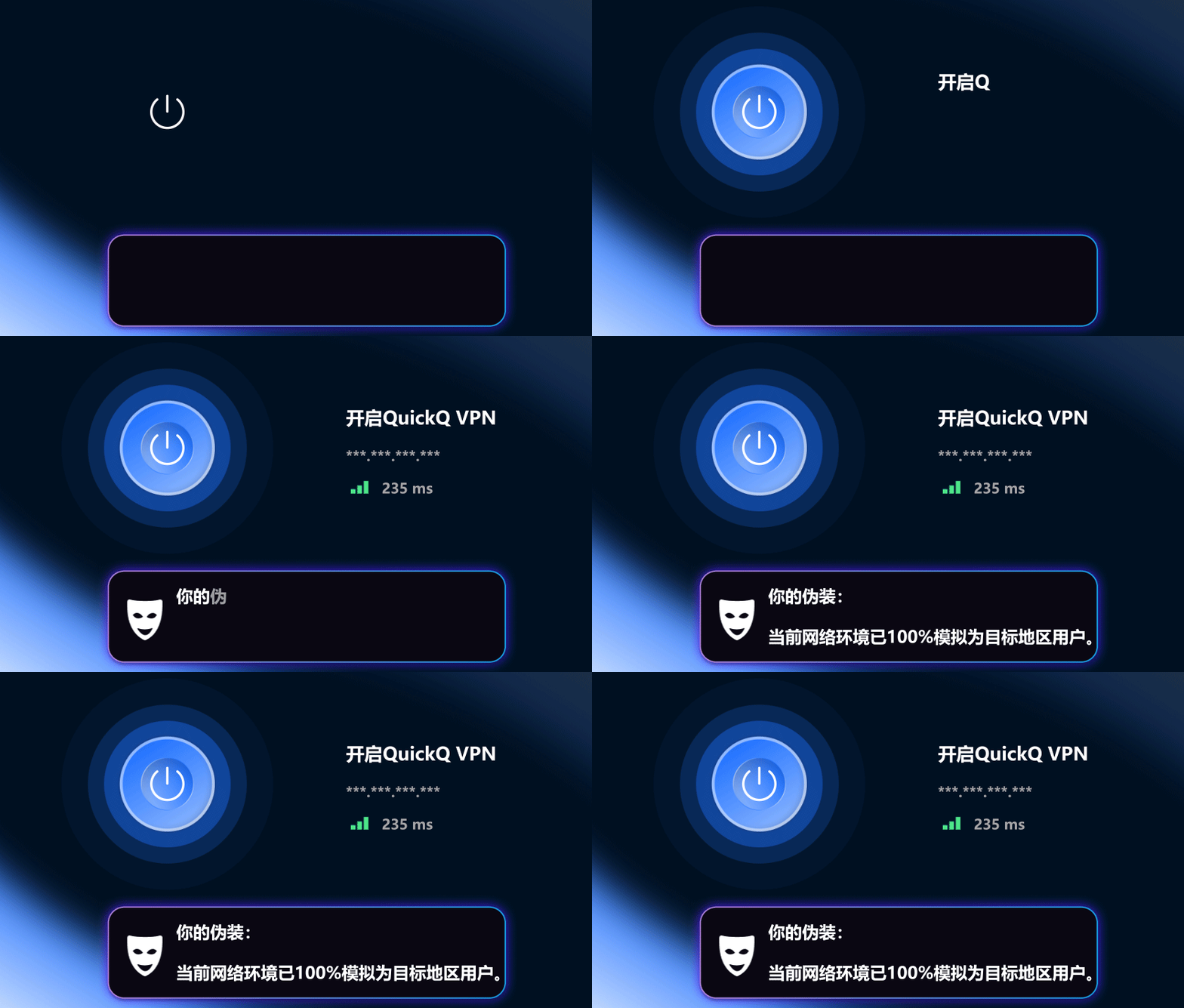
Open the app and choose from the available connections for your current needs.
Use the download page for each device rather than moving installers between them.
Check that your network is working well before a call or a stream.
Get software from the official website and check its version and system requirements.
For installation or order issues, find support through the official website.
Currency, payment methods and renewals are set by the official checkout. This site takes no payments.


Test sound and video beforehand and pause large downloads.
Check the source and access permissions. A connection tool does not grant content rights.
Check each device’s version and the concurrent-device limit of your plan.
Compare performance at similar times; a single test is not a long-term guarantee.
Concurrent-device limits are plan rules and may change. Check the current official plan before paying; this site does not promise a fixed number.
Test your local network without the app, pause downloads and compare connection options. Note errors and your system version when contacting official support.
Read the subscription period, automatic renewal status and refund conditions at official checkout. Manage an existing purchase through the original purchasing channel.
We link to official pages for Windows, macOS, iOS, Android, and Linux. Check the official site for current availability.
No. This site links to QuickQ so you can get the current version directly from its official source.
Prices may vary by plan, location, and promotion. Confirm the amount before paying on the official site.